Welcome: Shenzhen Huayuan Display Control Technique Co.,Ltd.


With the advancement of technology and the widespread adoption of multitasking, multi-screen display has become an indispensable part of modern life. Dual-screen independent display technology enables two screens to show different content simultaneously, catering to the demands of various work, entertainment, and learning scenarios. But how to properly set up and use the dual-screen independent display function? This article will elaborate on the installation and configuration process of dual-screen independent display, helping you easily achieve multi-screen display and improve your work and life efficiency.
I. Project Requirement Overview
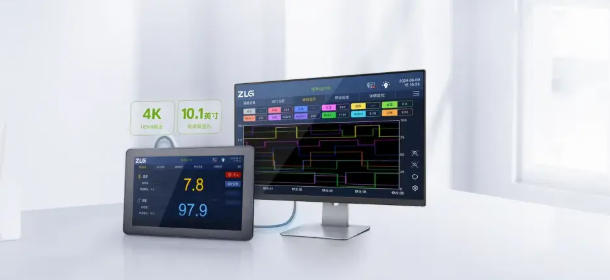
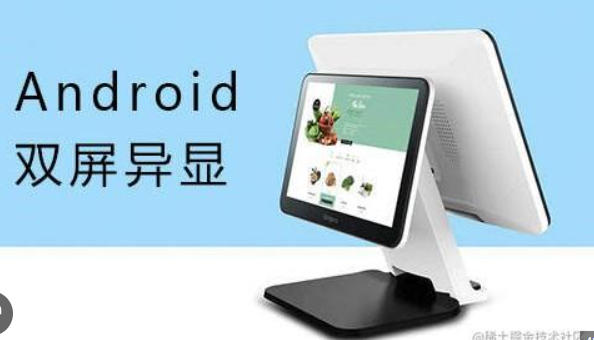
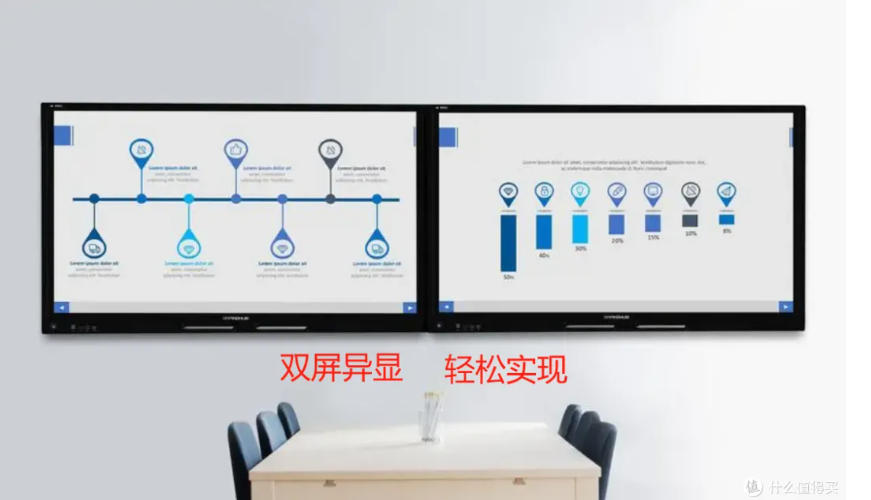
Support dual-screen independent display, meaning the two screens can display different content.
Allow flexible switching of video or image playback between screens to meet the needs of advertising monitoring.
The left screen is mainly used for work or operation interfaces, while the right screen is for playing videos, images, and other media content.
Provide users with an intuitive interface and easy-to-use control methods.
The software must be compatible with various large-screen designs.

II. Technical Implementation Details
Adopt the Code847_VideoScreen_signed software framework, which supports the dual-screen independent display function.
Implement a one-click screen switching function between the left and right screens while maintaining independent content playback on both screens.
Provide a screen synchronization restoration function to synchronize the content displayed on both screens when needed.
The testing environment covers rk3288 (Android 5.1/7.1), RK3588 (Android 12), and Allwinner A83T (Android 4.4) to ensure software compatibility.
Develop a dual-screen independent display player to support video and image playback.
III. User Interface and Operation Methods
Design a concise and clear interface to facilitate users' quick understanding and operation.
Add a switch button on the main interface, allowing users to switch the content of the left and right screens with one click.
Add a screen synchronization restoration button to enable users to easily synchronize the content on both screens.
Provide simple and understandable prompts and guidance to help users quickly master the software usage.
IV. Installation Steps
1.Preparation Tools
USB flash drive, self-provided keyboard and mouse, player APK.
Enable Dual-Screen Display
Go to "Settings" → "Display" → "Dual-Screen Display" and slide the toggle to enable the dual-screen function.
Install the Dual-Screen Independent Display Support Patch
Insert the USB flash drive into the device and double-click the Code847.apk file in the USB flash drive to install it.
2.Open the Software
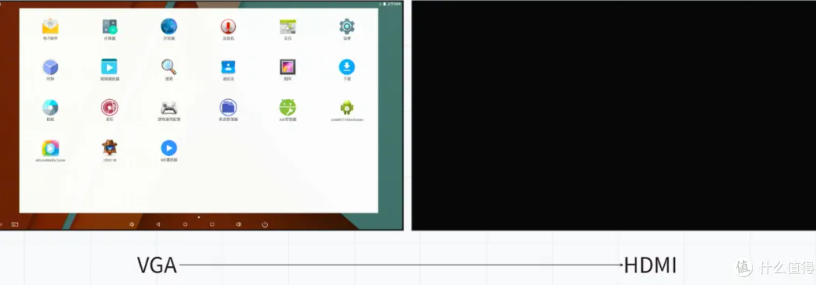
After the installation is complete, open the Code847 application. The default settings are: the main screen is usually set to VGA, and the secondary screen is set to HDMI. If adjustments are needed, you can go to "Settings" → "Display" to make the corresponding settings.
Verify the Dual-Screen Display Effect
The dual-screen display will be activated immediately after opening the software (generally, the main screen is VGA and the secondary screen is HDMI by default), with a landscape display effect by default.
3.Video Switching Operation
Move the mouse to the secondary screen area, and a toolbar will appear (top button: switch left and right screens; bottom button: screen synchronization). Click the corresponding button to switch between the left and right screens or perform the screen synchronization display operation. If the screen synchronization switching application does not appear, you can try closing the process or restarting the device.
Q&A
Q: Can the toolbar be hidden?A: It is hidden by default.
Q: Is it okay not to install the patch?A: Yes, you only need to enable the dual-screen independent display function in the Android settings.
Q: Does it support HDMI+LVDS?A: Yes, it does.
Q: What should I do if black bars appear at the top or bottom when using portrait mode?A: This issue is caused by the player or screen size, and there is currently no solution (using MX Player can support full-screen playback
Name: Nick Yi
Mobile:+8619091305706
Tel:+8619091305706
Whatsapp:8618573329919
Email:sales9@huayuan-lcd.com
Add:Factory No.9, Zhongnan High-tech Intelligent Manufacturing Industrial Park, Tianyuan District, Zhuzhou,Hunan, China, 412000
